PDF to JPG & PNG Converter
Render every page of your document as a sharp 150 DPI PNG or JPG image, ready to share, embed or archive.
- Keeps your layout
- Works on any device
- Deleted after processing
- PNG or JPG
- Rendered at 150 DPI
- One image per page
- Ready for slides and posts
Turn PDF pages into images
Each page rendered at 150 DPI as PNG or JPG · your upload is deleted as soon as the images are built
Drag & drop file here
or choose a file from your device
Everything PDF to Image can do
Render the pages of a PDF as PNG or JPG pictures, ready to drop into a slide, a post or an archive. Free, online.
Format
- PNG, which keeps text edges crisp
- JPG, which makes much smaller files on photo-heavy pages
- Full 24-bit colour rendering
How the pages are drawn
- Every page rendered at 150 DPI
- Fonts, vector art and photographs all drawn together as the page looks
- Each image keeps the proportions of the page it came from
Which pages
- The whole document, or a page range you type
- One image per page
- Images named page-001 upwards, so a folder sorts them in page order
What you download
- A single image file when there is one page
- A ZIP of the images when there are several
- The download named after your document
- The result screen says how many images, and at what DPI
How it works
PDF to Image in three steps
Upload your PDF
Drag your file onto the upload panel, or click it to pick one from your device. Nothing is sent anywhere until you start the job, and the working copy is deleted the moment it finishes.
Choose the format
PNG keeps text edges crisp and loses no detail; JPG makes smaller files for photographs and scans. Pick whichever suits where the image is going.
Convert and download
Every page is rendered at 150 DPI, sharp on screen and fine for everyday printing.
PDF to Image: a visual walkthrough
Turn pages into pictures you can drop into a slide, a post or a document.
Upload your PDF
Drag your file onto the upload panel, or click it to pick one from your device. Nothing is sent anywhere until you start the job, and the working copy is deleted the moment it finishes.
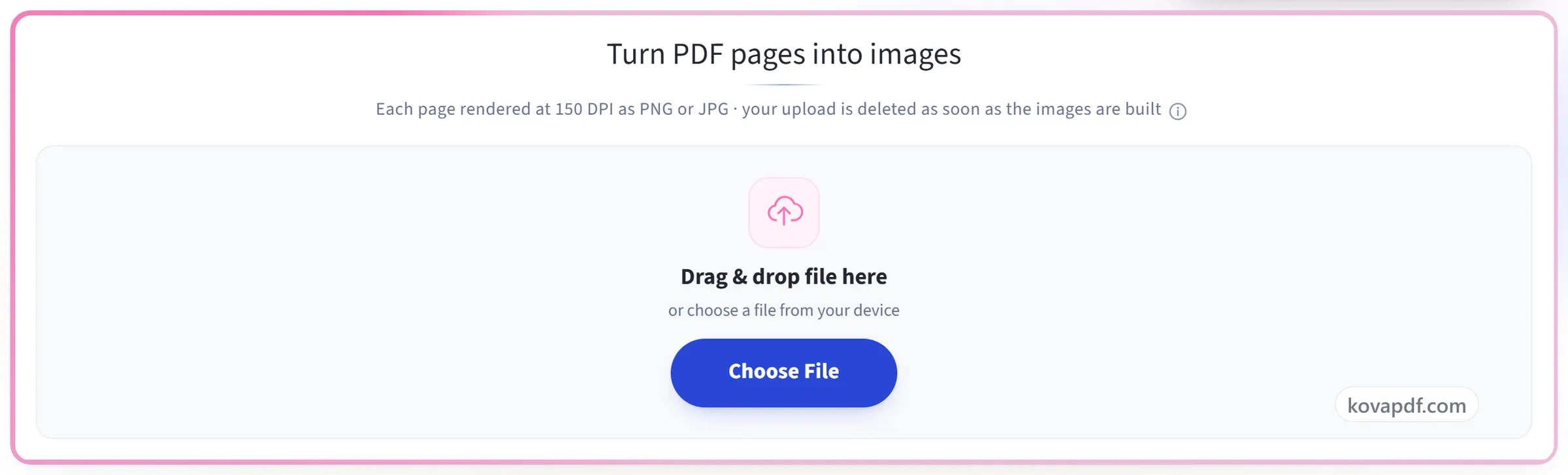
Choose the format
PNG keeps text edges crisp and loses no detail; JPG makes smaller files for photographs and scans. Pick whichever suits where the image is going.
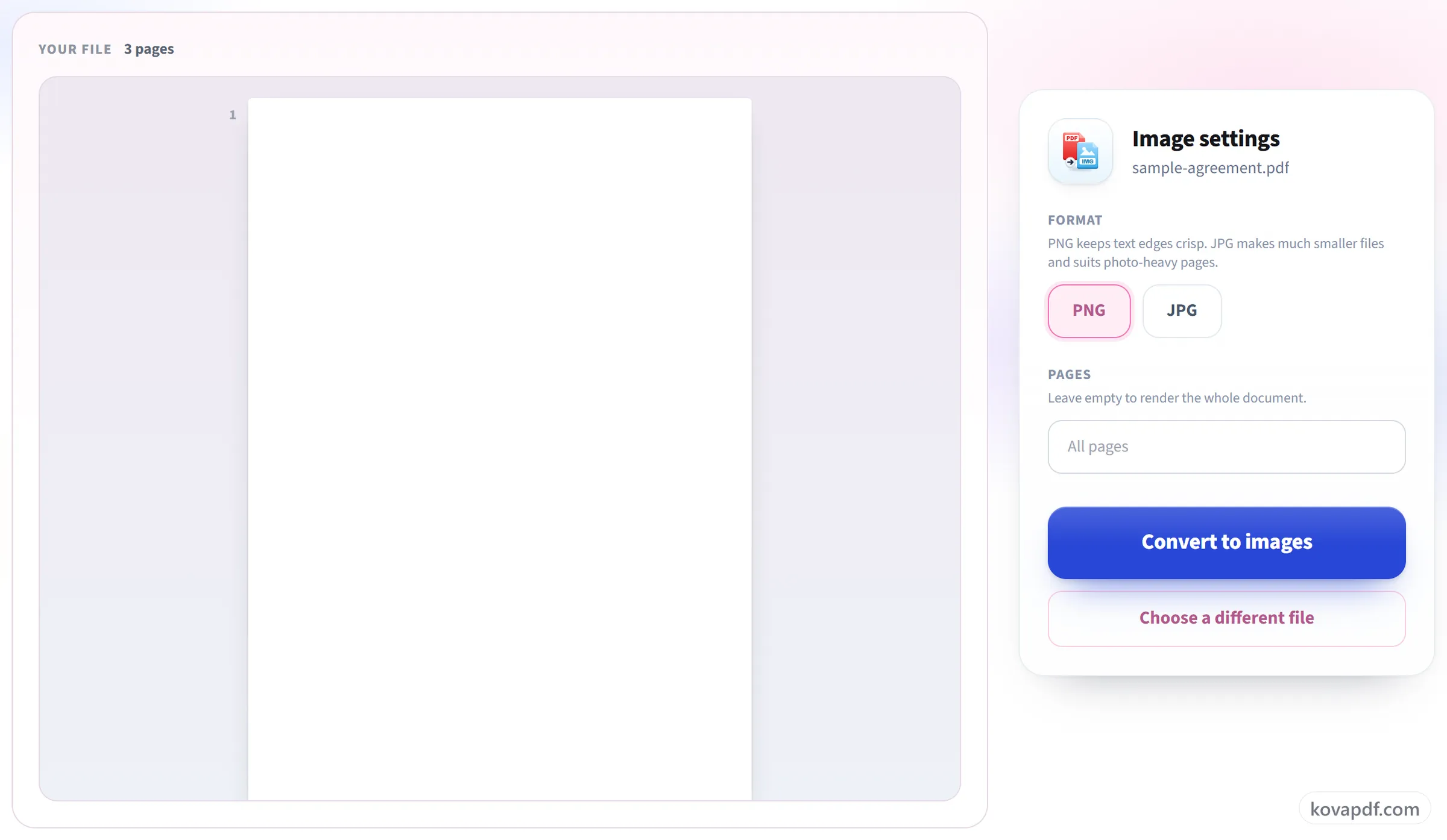
Convert and download
Every page is rendered at 150 DPI, sharp on screen and fine for everyday printing.
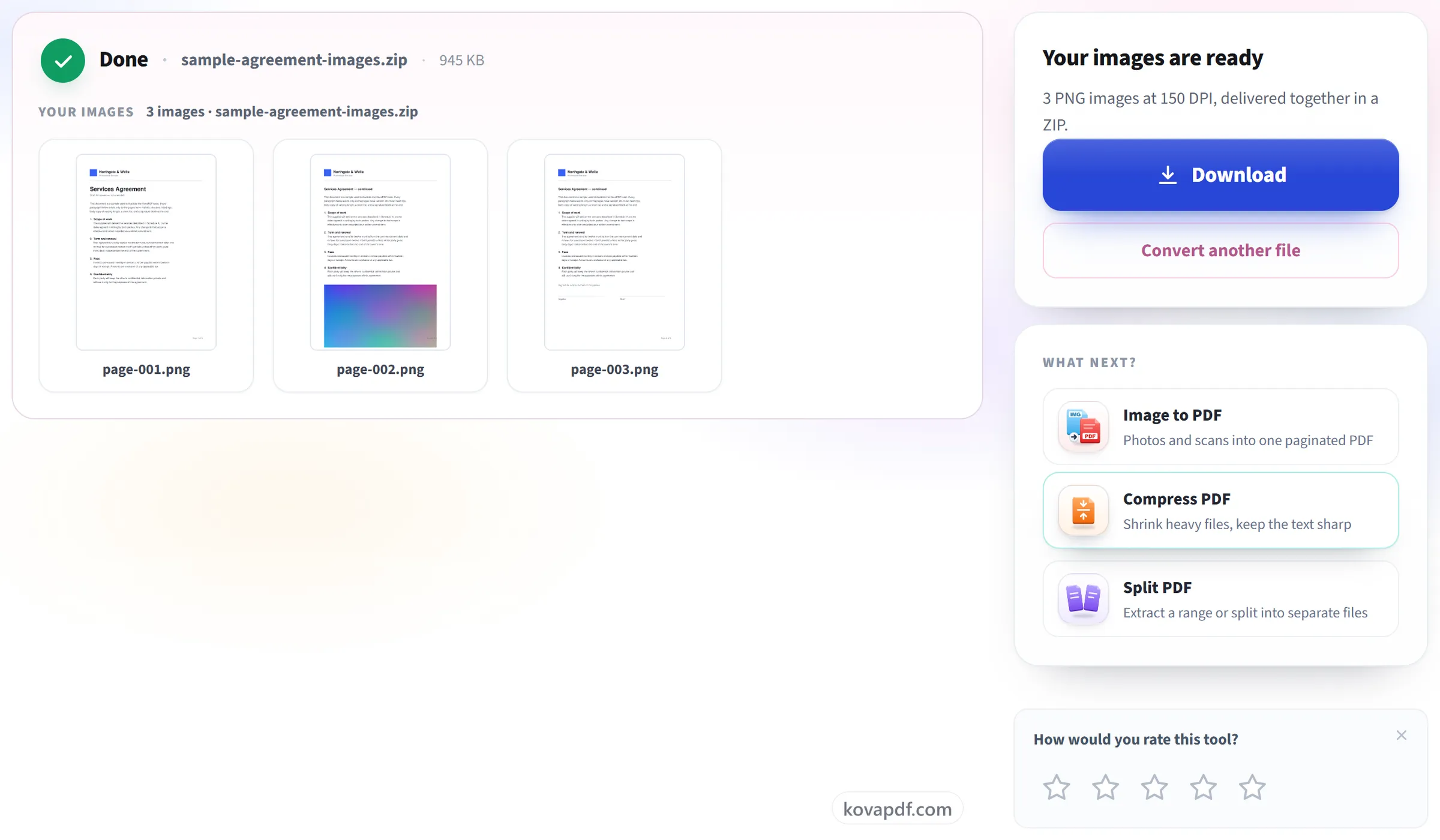
Frequently asked questions about PDF to Image
How do I convert a PDF to JPG?
Upload the PDF, choose JPG and press Convert to images. A single page comes back as one JPG file. Several pages come back as a ZIP with one JPG per page, named page-001, page-002 and so on.
Should I choose PNG or JPG?
PNG keeps text edges crisp and loses no detail, which suits documents and diagrams. JPG produces smaller files and suits photographs and scans. Both come out on a white background.
What resolution are the images?
150 dots per inch, which makes an A4 page about 1240 by 1754 pixels. That is sharper than a screen needs and large enough to crop a detail out of, without producing files too big to send.
Do I get one image per page?
Yes. A single-page document comes back as one image file. More than one page comes back as a zip with one image per page inside, numbered in order.
Can I convert just a few pages?
Yes. Type the pages you want, using hyphens for runs and commas between pages, as in "1, 4-6". Leave it empty to convert every page.
Can I get higher-resolution images, like 300 DPI?
Not at the moment. Every page is rendered at 150 DPI, which is sharp on any screen and fine for most printing. There is no setting to raise it.
Can I extract the images inside a PDF instead of whole pages?
No. This tool draws each whole page as one picture, with its text, images and background together. It does not pull out the original photos embedded in the file as separate images.
Is it free?
Yes. Every tool works without paying and without an account. Files can be up to 200 pages and 80 MB, and a run that fails costs you nothing.
Do I need to create an account?
No. All tools work without signing in. An account raises your hourly allowance and lets you see what you have processed.
What happens to my file?
Your file stays on our server only for a short time while it is processed, then it is deleted. It is sent over an encrypted connection. We keep a record that the tool was used, but not the file name or what is in the file.
PDF to Image guides and articles
Related tools
All PDF tools · 15 step-by-step guides · How your files are handled