Repair PDF Files
Fix a PDF that won't open or shows errors. We check the file, recover every page and word we can, and show you anything that could not be saved.
- Free to use
- Works on any device
- Nothing to install
- Checked before anything changes
- Recovers every page it can
- Checked again before you download
- Anything lost is listed
Drag & drop file here
or choose a file from your device
Upload the PDF that won't open properly
PDF · up to 80 MB · damaged files welcome
- Checked before anything is changed
- You only get a file that passed our checks
- You see exactly what couldn't be recovered
Everything Repair PDF can do
Fix a PDF that won't open, shows errors or has missing pages.
What it fixes
- A damaged or missing internal index, which often causes "file is damaged" errors
- Files cut off during a download or copy, keeping every complete page
- A broken or missing list of pages, rebuilt from the pages themselves
- Damaged page content, keeping everything up to the point of damage
- Extra data before the start of the file, and wrong size values inside it
How you know it worked
- The file is checked first. If it is healthy, you are told so
- The repaired file is opened again and checked before you can download it
- Pages and text are compared with what the damaged file still held
- Anything that could not be recovered is listed by page number
What is kept
- Text stays real text you can select and search
- Fonts, images, links, bookmarks and form fields stay where they can be read
- Pages keep their size and rotation
- Nothing is made up. A page that can't be recovered is listed as lost
How it works
Repair PDF in three steps
Upload the PDF
Drag the damaged .pdf onto the panel, or click it to pick one. There is nothing to set up.
Let it check and repair the file
The file is checked first. If something is broken, the damaged parts are rebuilt and everything that can still be read is kept. You see each step as it happens.
Read the result and download
The result says if the PDF was repaired, partly recovered or already healthy, and lists anything that could not be saved. Download the checked file.
Repair PDF: a visual walkthrough
Fix a damaged PDF in three steps.
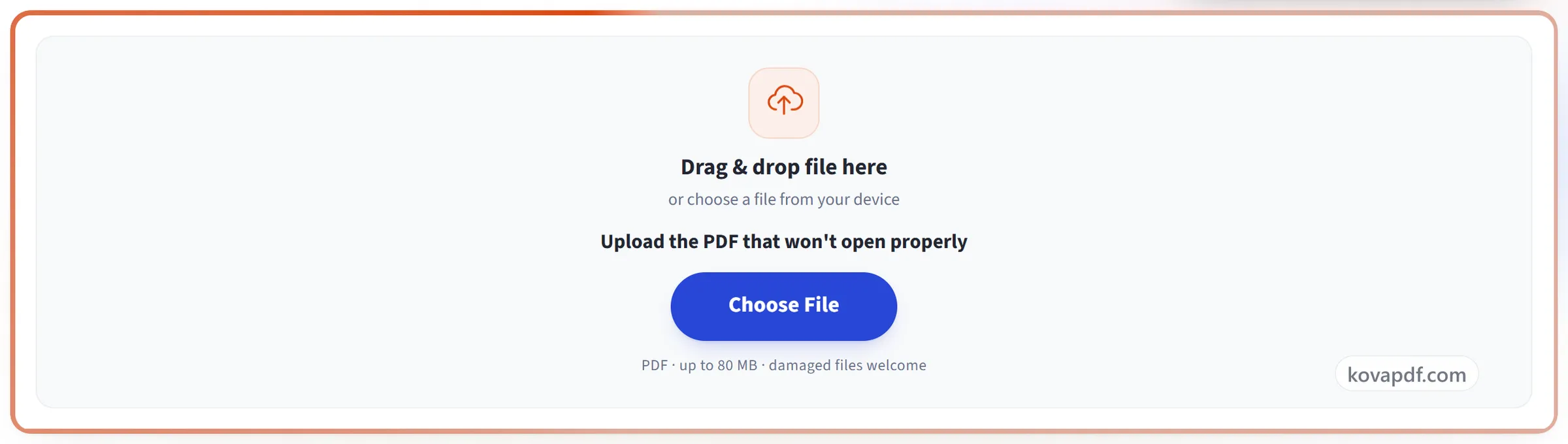
Upload the PDF
Drag the damaged .pdf onto the panel, or click it to pick one. There is nothing to set up.
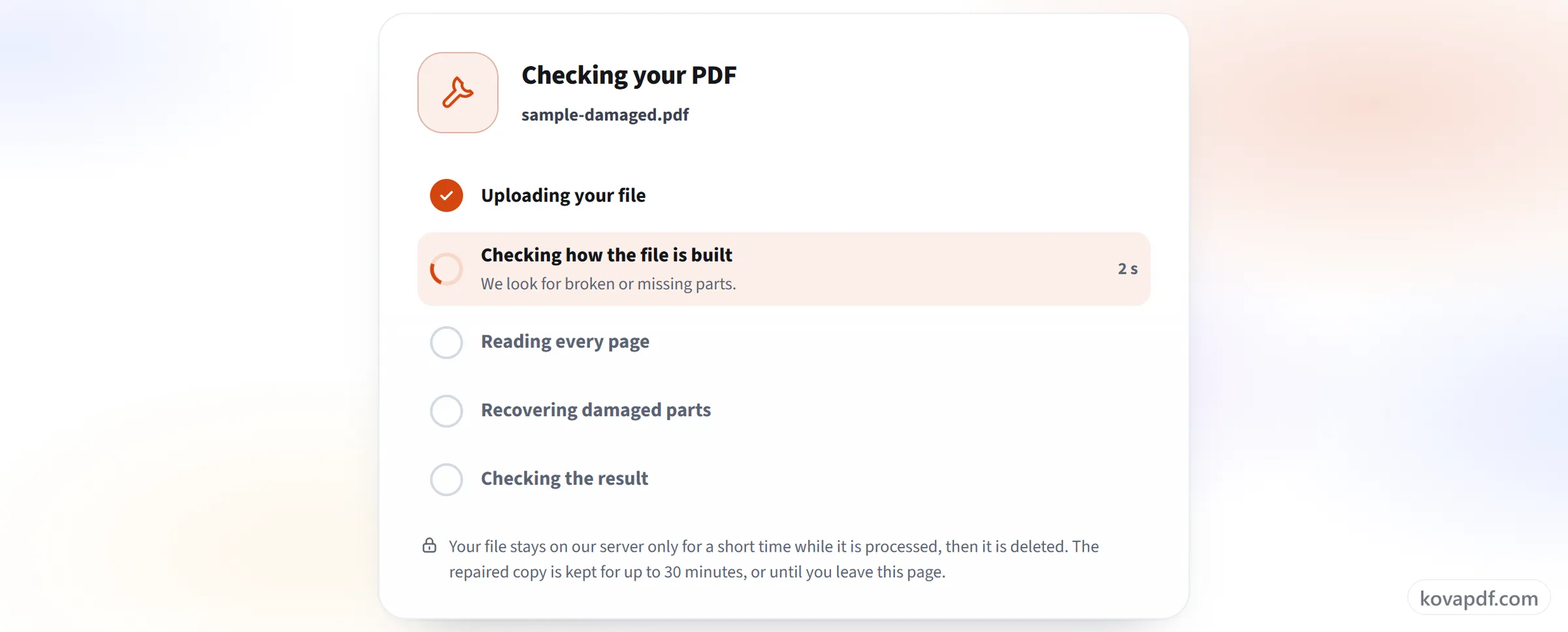
Let it check and repair the file
The file is checked first. If something is broken, the damaged parts are rebuilt and everything that can still be read is kept. You see each step as it happens.
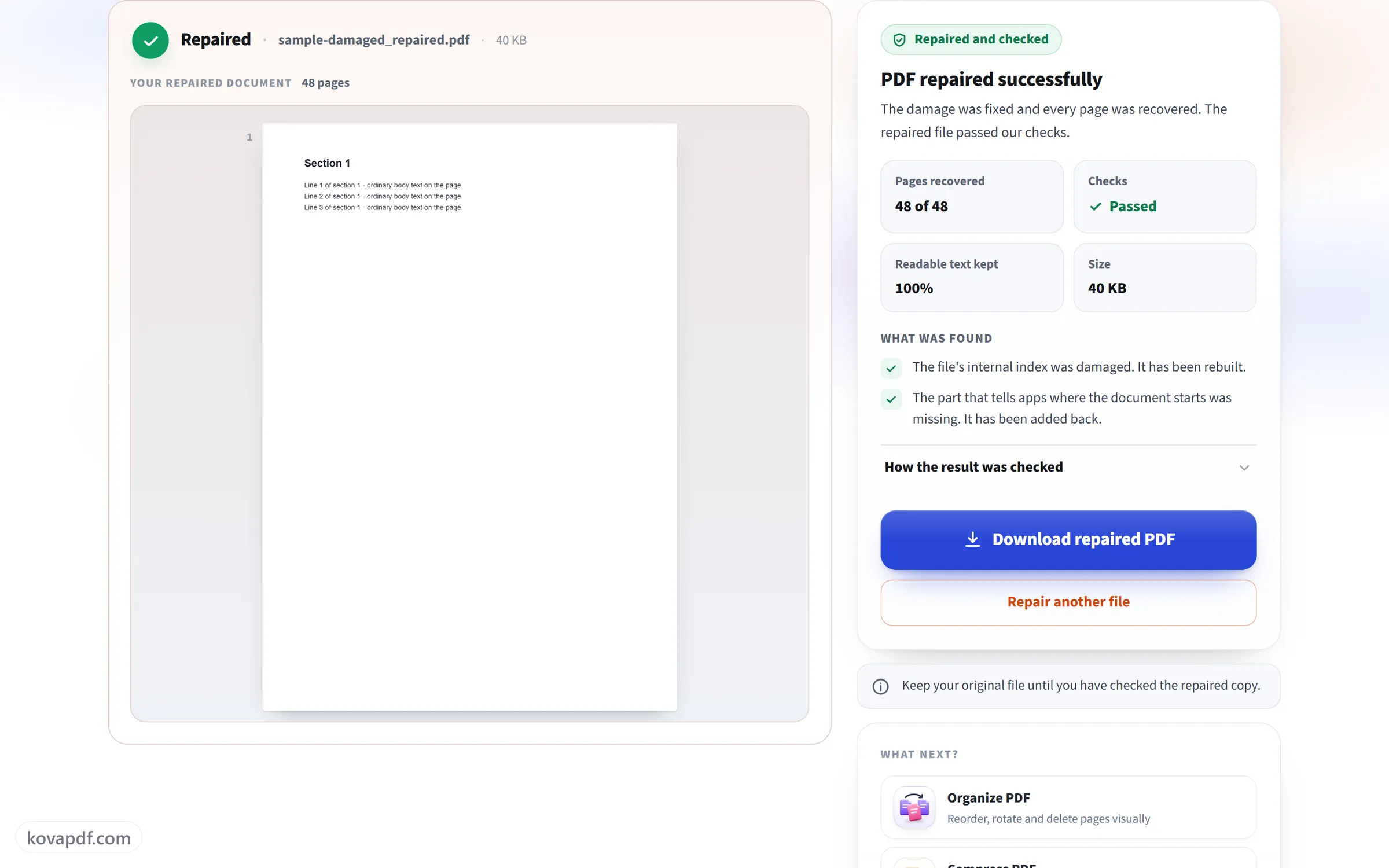
Read the result and download
The result says if the PDF was repaired, partly recovered or already healthy, and lists anything that could not be saved. Download the checked file.
Frequently asked questions about Repair PDF
How do I repair a damaged PDF?
Choose the PDF that won't open or shows errors. It is checked, the damaged parts are rebuilt, and the result is checked again. Then you see what was found and download the repaired file. There are no settings to choose.
What kinds of damage can it fix?
The common ones: a broken or missing internal index, a file that was cut off during a download or copy, a damaged list of pages, missing pieces at the end of the file, extra data before the start, and page content that is partly damaged. Everything that can still be read is kept.
What if my PDF isn't damaged?
Then the result says that no major problems were found, and you can keep using your original file. If there are small issues that PDF apps ignore, they are listed, and you can download a rewritten copy if you want one.
Will I get back everything that was in the file?
You get back every page and all the content that is still in the file. Parts that are missing or destroyed can't be brought back, and nothing is made up to fill the gaps. The result lists the pages that were lost or only partly recovered, so you know what to check.
How do I know the repaired file is good?
Before you can download it, the repaired file is opened again with a strict PDF reader, every page is read, and its text is compared with what could still be read from the damaged file. If it doesn't pass, you don't get a file.
Why couldn't my file be repaired?
Sometimes too little of the file is left, or it isn't a PDF at all, for example a web page saved with a .pdf name. A download that stopped early is a common cause, so try downloading the file again, or ask the sender for a new copy.
Can it repair a password-protected PDF?
Not while it is locked. Remove the password with Unlock PDF first, then repair the unlocked copy.
What happens to my file?
Your file stays on our server only for a short time while it is processed, then it is deleted. The repaired copy is kept for up to 30 minutes so you can download it, or until you leave the page. Files can be up to 80 MB and 200 pages.
Is it free?
Yes. Every tool works without paying and without an account. Files can be up to 200 pages and 80 MB, and a run that fails costs you nothing.
Do I need to create an account?
No. All tools work without signing in. An account raises your hourly allowance and lets you see what you have processed.
Related tools
All PDF tools · 15 step-by-step guides · How your files are handled